TL;DR
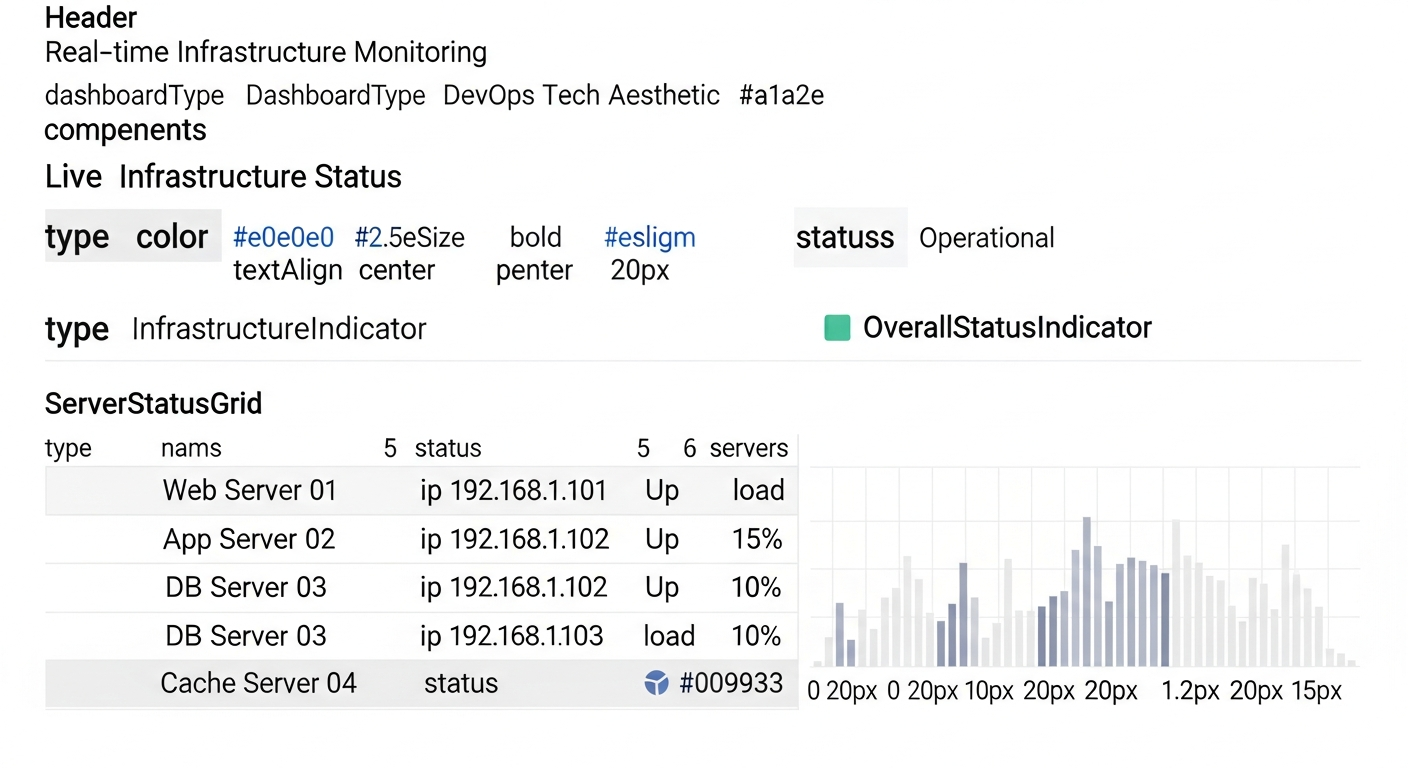
Service Inventory Dashboard is a lightweight Node.js + Express monitoring tool that performs health checks every 60 seconds across all your self-hosted services — both via HTTPS domain checks and local TCP port checks. It gives you a single, beautiful dashboard answering the one question that matters: is everything still running?
In any production environment with multiple services running across different ports and domains, keeping track of what is online and what has gone silent is a constant challenge. Service Inventory Dashboard is a lightweight, self-hosted monitoring solution that provides a beautiful, real-time overview of every service on your machine — without the complexity of heavyweight monitoring stacks like Prometheus, Grafana, or Datadog.
The Problem
Modern infrastructure often involves dozens of microservices, APIs, frontends, and background workers running simultaneously on a single server or across a cluster. Each service listens on a different port, may have its own domain configured through a reverse proxy, and can fail silently without anyone noticing until a user complains. Enterprise monitoring solutions exist, but they come with significant setup overhead, resource consumption, and often a steep learning curve.
For small to mid-sized deployments — a development server running 15+ services, a production box hosting multiple side projects, or a homelab with diverse workloads — what you really need is a simple dashboard that answers one question: Is everything running?
„I just wanted to see at a glance which of my 20+ services were up. I did not want to deploy an entire observability stack for that.“
The Solution
Service Inventory Dashboard is a Node.js + Express application that monitors all configured services every 60 seconds, performing both HTTPS domain checks and local TCP port checks. It presents the results through a modern, responsive web interface with color-coded status indicators, response time measurements, and automatic refresh. The entire system runs as a single lightweight process, consuming minimal resources.
Key Features
- Real-Time Monitoring — Automatic health checks every 60 seconds with HTTPS verification and TCP fallback
- Beautiful UI — Modern, responsive dashboard with color-coded status indicators and gradient styling
- Response Time Tracking — Measures and displays response times for each service
- Auto-Refresh — Dashboard updates automatically every minute without manual intervention
- Multi-Device Support — Responsive design works on desktop, tablet, and mobile
- HTTPS-Only — Secured with Let’s Encrypt certificates via Nginx reverse proxy
- Statistics Overview — Total services count, online count, offline count at a glance
- Dual-Check Strategy — Primary HTTPS domain check with local port fallback ensures accurate status reporting
- Zero Framework Frontend — Pure vanilla JavaScript with modern CSS, no heavy frontend framework needed
Conclusion
Service Inventory Dashboard proves that effective infrastructure monitoring does not require complex tooling. By focusing on the essential question — are my services running? — and answering it with a beautiful, lightweight interface, it fills a real gap for developers and operators managing multi-service environments. If you have ever SSH’d into a server just to check whether a service was still responding, this dashboard is for you.
What I Learned
Service Inventory Dashboard started as a weekend scratch-your-own-itch project, but it taught me more about production operations than many larger systems I have built.
The Two-Check Strategy
Initially the system only checked HTTPS endpoints. This quickly revealed a problem: if Nginx was up but the upstream Node.js process had crashed, the HTTPS check would pass while the service was functionally dead. Adding a fallback TCP port check to verify the actual service process — not just the reverse proxy — made the health checks meaningfully accurate. This dual-layer approach catches an entire class of failures that HTTPS-only monitoring misses.
Vanilla JS is Enough
The entire frontend is written in vanilla JavaScript with modern CSS — no React, no Vue, no build step. For a dashboard that simply fetches a JSON endpoint every 60 seconds and renders cards, a framework adds complexity without value. The resulting page is fast, simple to reason about, and has zero dependency risk. This reminded me to always ask: do I actually need a framework here?
Self-Hosting Means Bootstrapping Matters
One subtle challenge: the monitoring dashboard needs to monitor itself, but it also needs to start before most other services on boot. Getting the systemd unit file ordering right — ensuring the dashboard starts early enough to catch services that might fail during startup — was a non-trivial operational detail that pure cloud monitoring tools hide from you.
Response Times Tell Stories
Adding response time tracking to each health check turned out to be more valuable than expected. A service that is „up“ but responding in 8 seconds is effectively down for users. Watching response times trend upward over days — even within the „green“ threshold — became an early warning system for resource exhaustion and memory leaks before they caused outright failures.
The Value of Constraints
By deliberately choosing to build the simplest possible solution — no time-series database, no alerting system, no historical trend graphs — the dashboard stayed genuinely maintainable. Every time I was tempted to add a feature, I asked: „does this answer the question is everything running?“ If not, it stayed out. Constraints produce focus, and focus produces useful tools.


